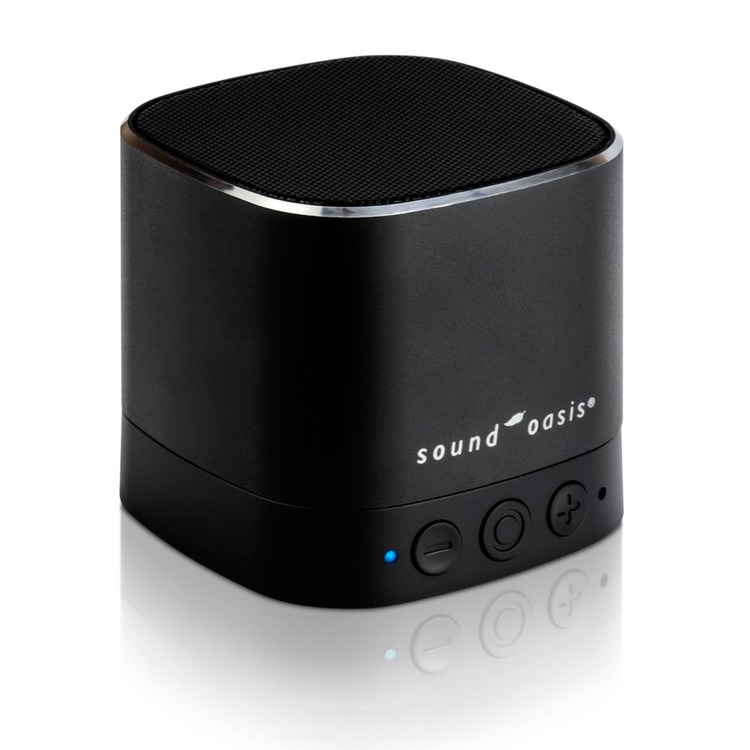
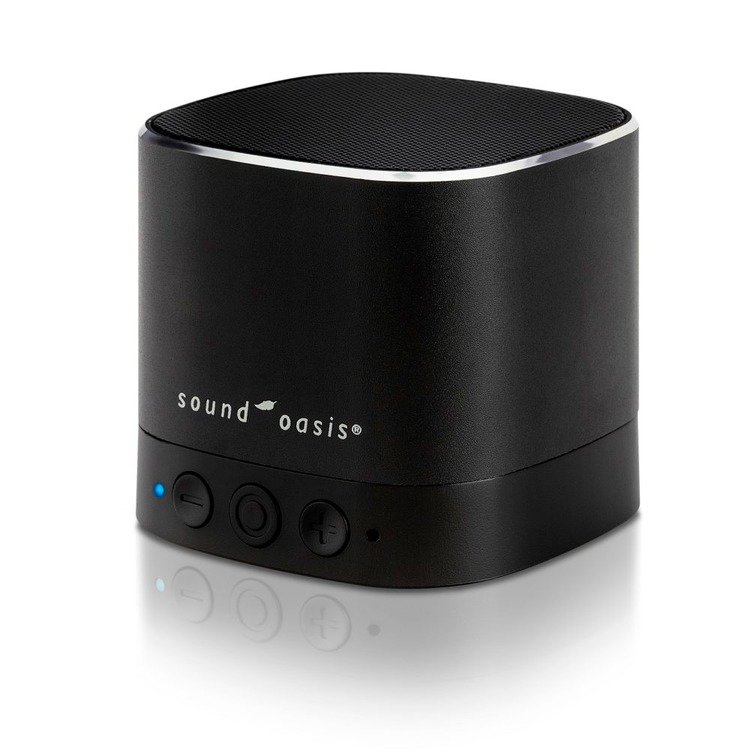
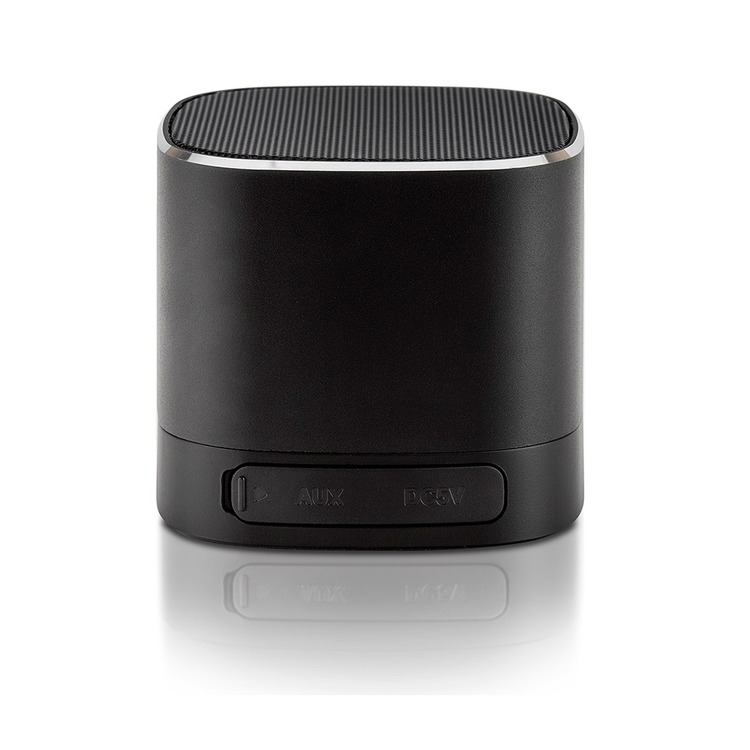
Sound Oasis BST-80-20T Tinnitus Sound System with Bluetooth to help manage Tinnitus
Code: 14SBST80T
£33.98
(£28.32
ex VAT)
Was
£37.80
VAT Relief is available if you make a declaration in the Shopping Basket

Choose quantity
Order now for next working day dispatch.
Description
The BST-80-20T can be used to stream your music playlists from your phone or tablet via Bluetooth during the day, and your Sound Oasis Therapy Pro App sounds at night, to help provide you with the best sounds for relaxing and sleeping during your travels or at home.
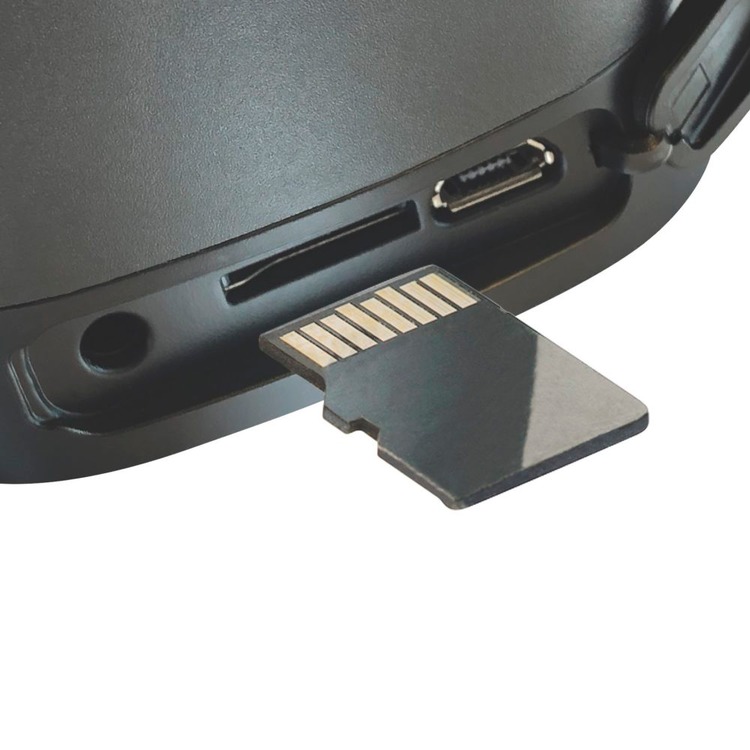
This tinnitus and sleep sound machine comes with a built-in micro SD card that is fully-equipped with 20 Sound Oasis sounds and can also be loaded with pre-made playlists from extensive libraries on SoundOasis.com. You can create a custom sound card from the Sound Oasis sounds library to get the exact mix of sounds you prefer.
Features
- Proven to help you manage Tinnitus
- Built-in micro SD card is preloaded with 20 superior quality Sound Oasis sounds. Your selected sound plays seamlessly for 8 hours.
- Exceptional quality sound in an even more compact size than the BST-80 (2" tall/2.3" in diameter/ 5 cm tall/5.8 cm in diameter) is perfect for use at home or while traveling.
- Stream new sounds or music from any Bluetooth enabled device (iPhone/ iPod/iPad/MP3) for great versatility.
- Insert a new customized micro SD card with Sound Oasis sounds for unlimited sound library expansion. Compatible with all Bluetooth sound machine SD cards from Sound Oasis.
- 30'/10m Bluetooth wireless range.
- Built-in rechargeable lithium battery allows for 4 - 5 hours of cordless use on one charge.
- Battery and USB powered – Your new BST-80-20T white noise machine can be powered battery for up to 5 hours or by a standard USB adapter
Details
Stream New Sounds/Music from Your Music Library
- Turn on your BST-80 Tinnitus sound machine by pressing and holding down the BST-80 POWER button for 3 seconds.
- Your BST-80 Tinnitus sound machine will enter the sound playback mode by default. Press the mode button on the bottom of the speaker to enter Bluetooth mode. The Bluetooth LED on your BST-80 will blink to show that it is discoverable and ready to pair.
- On your Bluetooth enabled device, turn Bluetooth on, locate the Bluetooth device list and select the device named BST-80. Pair your BST-80 with your Bluetooth enabled device.
- The Bluetooth LED will light up on your BST-80 sleep therapy machine and you will hear a Bluetooth pairing mode “blip" to indicate that you are in the Bluetooth streaming mode.
- Press play on your Bluetooth device to play the streamed music/sound.
Stream New Sounds/Music from Sound Oasis APPs
- Download any Sound Oasis APP from Apple's iTunes store or the Google Play App store. You can upgrade our Lite Apps to the PRO version just by connecting to any Sound Oasis Bluetooth speaker.
- Turn on your BST-80 Tinnitus machine by pressing and holding down the BST-80 POWER button for 3 seconds.
- On your Bluetooth enabled device, turn Bluetooth on, locate the Bluetooth device list and select the device named BST-80. Pair your BST-80 with your Bluetooth enabled device.
- The Bluetooth LED will light up on your BST-80 sleep machine and you will hear a Bluetooth pairing mode “blip" to indicate that you are in the Bluetooth streaming mode.
- Press play on the Sound Oasis APP to play the streamed music/sound.
Weight and Dimensions
- Product dimension : 2.25" x 2.5"
- Product weight : 0.5 lbs
- Package dimensions : 5" x 3" x 3"
- Package weight : 0.75 lbs
Help Centre
Reviews
Related Products
-
Sound Oasis S-680-02 Style 2 Sound Therapy System with 24 Tinnitus Sounds with Alarm Clock Feature
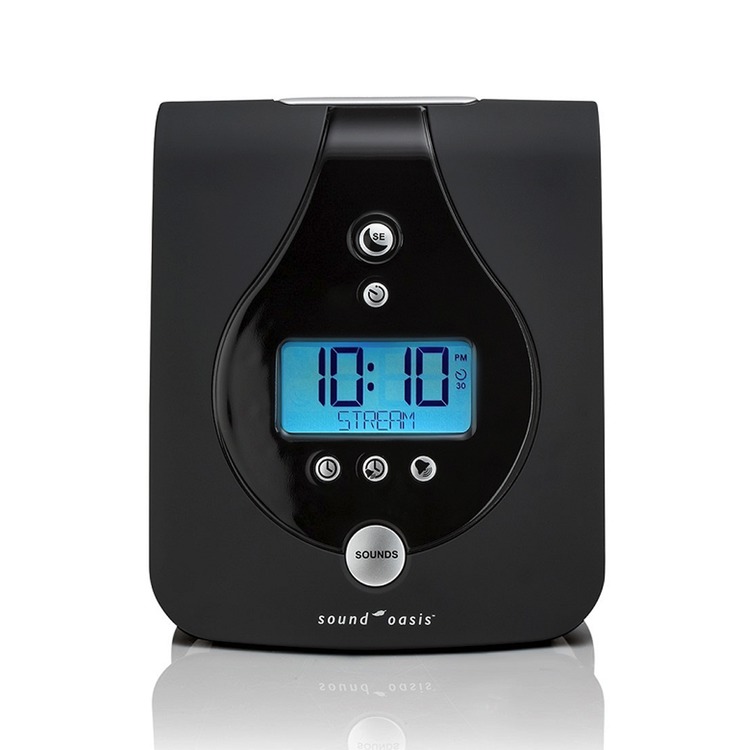 £75.60 (£63.00 ex VAT)
the Sound Oasis Style is a stylish sound therapy system with...
-
Wellcare Naturcare Tinnitus Sound Relaxer
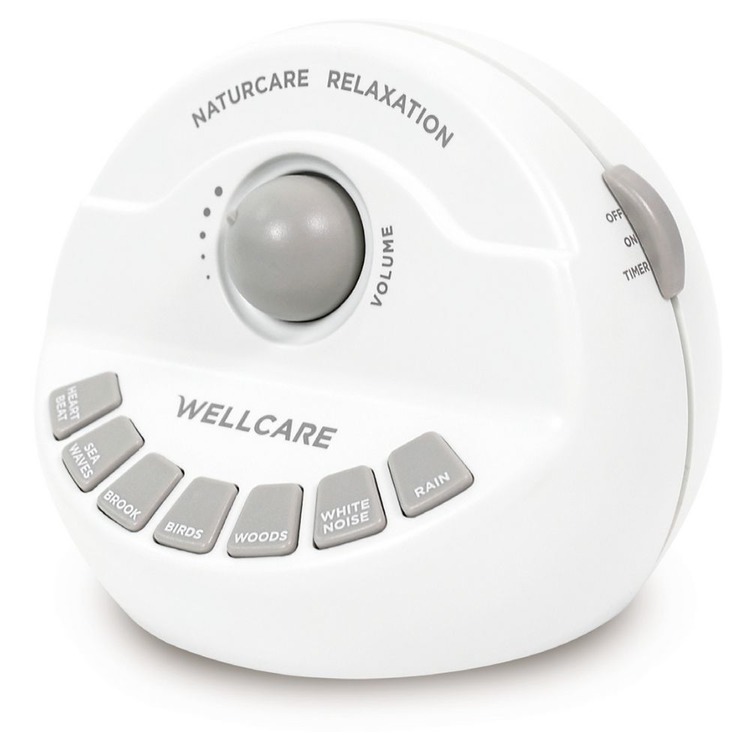 £28.92 £25.19 (£20.99 ex VAT)
Designed to help relieve the symptoms of tinnitus through...
-
Sound Oasis Tinnitus Sound Therapy System Alarm Clock with Bluetooth
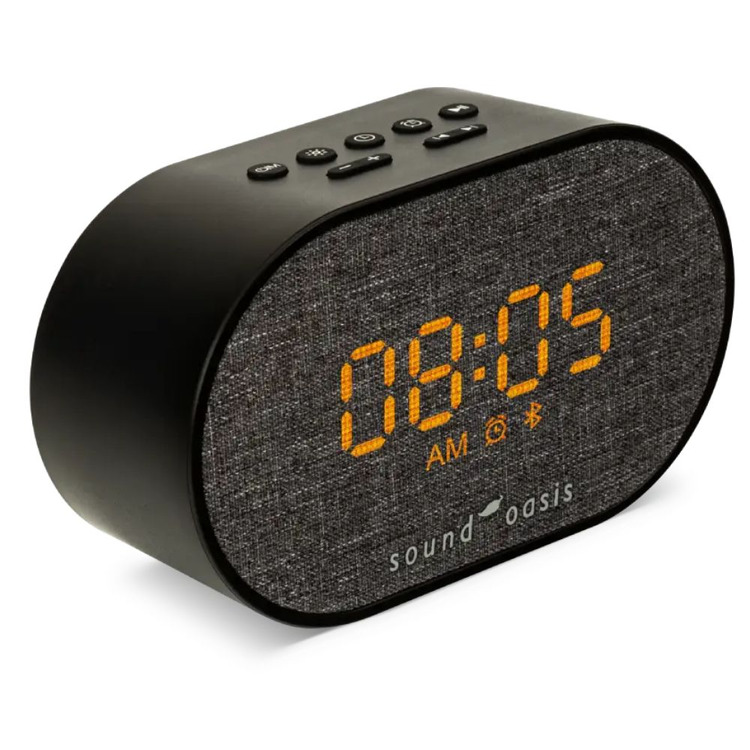 £63.60 (£53.00 ex VAT)
A 12/24 hour alarm clock with Bluetooth technology
-
Sound Oasis BST-100 Sleep Sound Speaker System with 20 inbuilt Sounds and Bluetooth
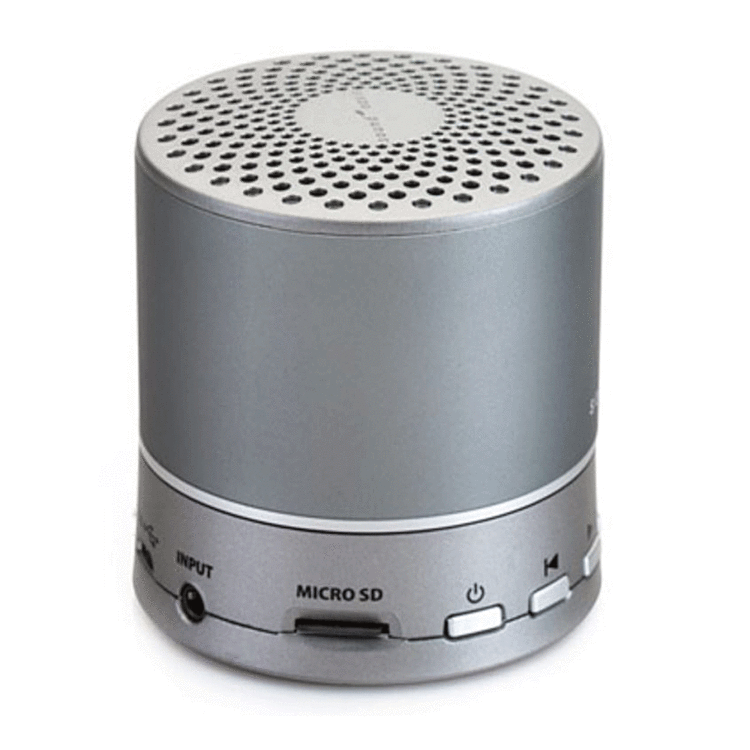 £49.20 (£41.00 ex VAT)
Sound Oasis BST-100 Sleep Sound Speaker System with Bluet...





